
Birthday
A birthday with a beat
Turn a friend's birthday into a short, playful shout-out. Add their name and one memorable habit for a more personal direction.
AI rap videos from your photos
Turn a photo of yourself or you and a friend into a short rap performance. Pick a stage, add your idea, and create a video with AI vocals and music, ready to watch and download.
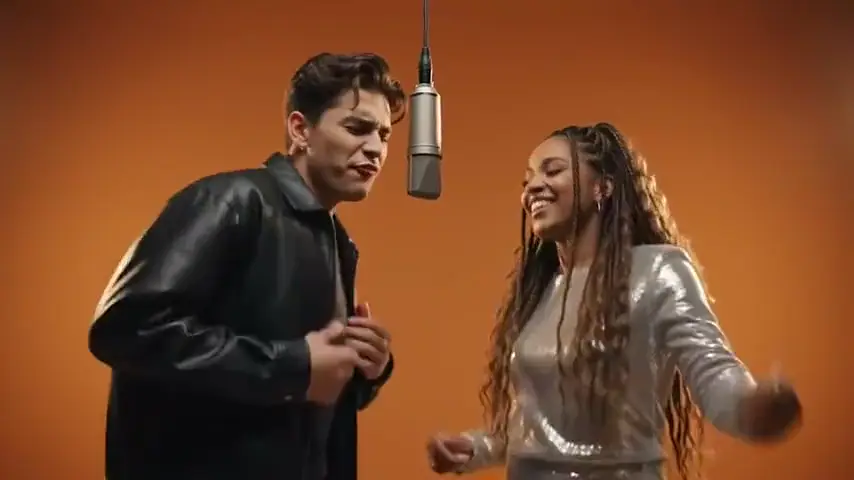
Orange booth duo
Add your photo, pick a stage, and create. Watch and download your finished video here.
Use your own photos or get permission from the people pictured. Privacy policy
Watch examplesFind your look
An orange booth, a hanging mic, and two people on stage. Watch the clips with sound, then pick a scene for your own performance.
Orange booth duo
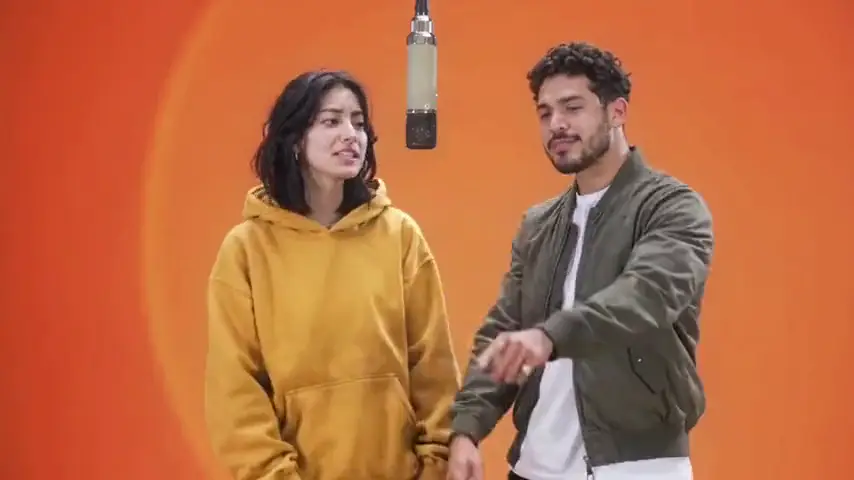
Friends at the mic
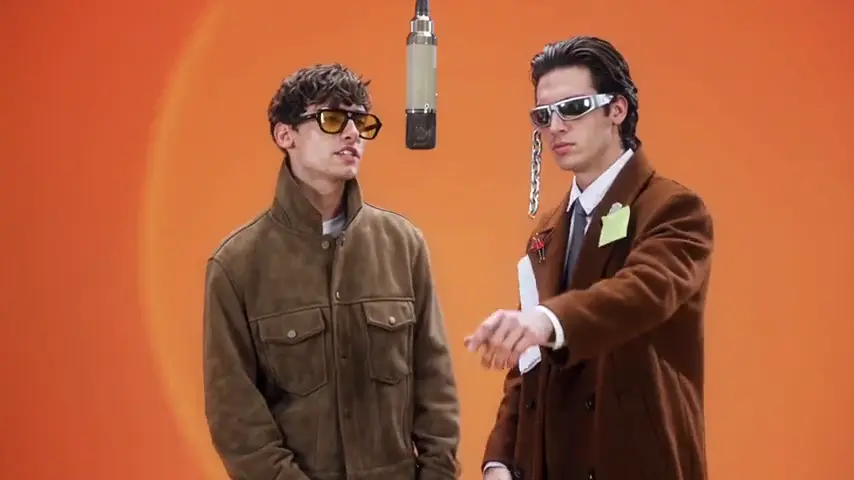
A duet with attitude
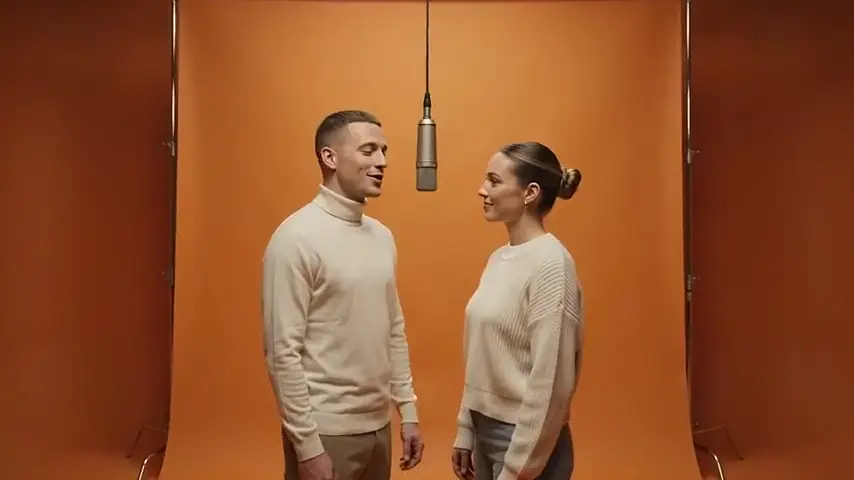
Wide booth duo
Find your angle
Start with a birthday shout-out, a friends' performance, or a personal introduction. Choose an idea to set the scene, then add a name, memory, or inside joke.
Birthday
Turn a friend's birthday into a short, playful shout-out. Add their name and one memorable habit for a more personal direction.
Friends
Put two friends on one stage. An inside joke, a shared hobby, or your usual banter gives the performance a starting point.
Couple
Make a playful video for the two of you. Use a shared memory or a small everyday detail rather than a long script.
Self intro
Give your profile or group chat a short introduction with some personality. Start with your hobby, your role, or the thing your friends know you for.
From photo to performance
Go from a portrait to a short performance in three steps. Everything happens in your browser.
Choose Solo for one person or Duo for two. Sign in and upload a clear portrait, two individual portraits, or one photo of you together.
Pick an occasion, stage, and vibe. Add a short idea for a more personal rap, or start with a preset. Set the length and format in Video settings.
Check the credits shown before you create. When your video is ready, play it with sound and download it. Find it again anytime in My Videos.
Your people, your stage
Take the mic yourself or bring someone along. Choose the people, the setting, and the mood for your short rap performance.
Turn a portrait into a personal introduction or birthday shout-out. Add a hobby, nickname, or memorable detail to give your performance a theme.
Bring a friend, partner, or sibling onto the same stage. Upload a photo together, or use two individual portraits and check the combined preview before creating.
Go for the warm orange booth, a recording studio, a street cypher, or a birthday stage. Pair your setting with a playful, confident, or energetic performance.
Vocals and music included
Your performance comes with an original beat and English rap vocals. Start with a topic or use a preset, with sound generated alongside the video.
Get a short performance with rap vocals and backing music in one video. Listen and watch together, then download the finished clip.
Add a birthday name, a shared memory, or an inside joke in Your idea. A short creative direction gives the rap a personal theme.
Duo brings two people into the same video. Their movement and vocal delivery are generated together; the setup focuses on the scene and mood.
Before you upload
Start with a clear face and even light. For a duo, both people should be easy to see. Use JPEG, PNG, or WebP files up to 10MB each.
Know the cost before you create
Each video uses credits based on its length and resolution. Review the estimate for your settings, then choose a plan with the credits you need.
Your settings: 10s · 720p · approximately 200 credits per video.
$19.90 / month
1000 credits per month
About 5 videos at your current settings
View plans$29.90 / month
1800 credits per month
About 9 videos at your current settings
View plans$49.90 / month
3000 credits per month
About 15 videos at your current settings
View plansPrices are in USD. Plans renew until canceled. Video counts are estimates; confirm the exact credit cost before creating.
FAQ
What to know about sound, credits, and your finished video before you start.
Creating a video uses credits. You can watch the clips and explore the settings for free. Sign in to see your credit balance, and review the cost shown before creating. Plans and credit amounts are listed on the pricing page.
Yes. Choose Duo, then add two individual portraits or one photo of both people. If you use two portraits, check the combined preview before creating. Duo puts both people in the performance; separate voices and exact turn-taking aren't available as controls.
This creator generates an original beat and English rap vocals with the video. Add a topic in Your idea to guide the performance. Song uploads, artist voice selection, and word-for-word lyric controls aren't included.
Choose 5, 10, or 15 seconds at 480p or 720p. Vertical 9:16, landscape 16:9, and square 1:1 formats are available. The default is a 10-second, 720p vertical video. Preview and download the finished video with its sound included.
Generation time varies with the queue and video settings. Follow the progress shown after you create, or check My Videos later. Wait for a final status before retrying so you don't start a second paid generation.
If generation fails, the credits charged for that video are returned automatically. Check My Videos for its final status before starting again. Creating another version of a successfully completed video uses credits for a new generation.
Sign in to the same account and open My Videos to check the original video. A connection interruption may only affect the page, so check its status before starting another generation.
Your photo is uploaded and processed to create your video. To request deletion of a stored photo, contact support. Removing a photo preview only removes it from the form. See the privacy policy for details about data handling.
Bring a photo and one idea. Choose your stage and make a short performance with vocals and music.
Turn my photo into a rap video